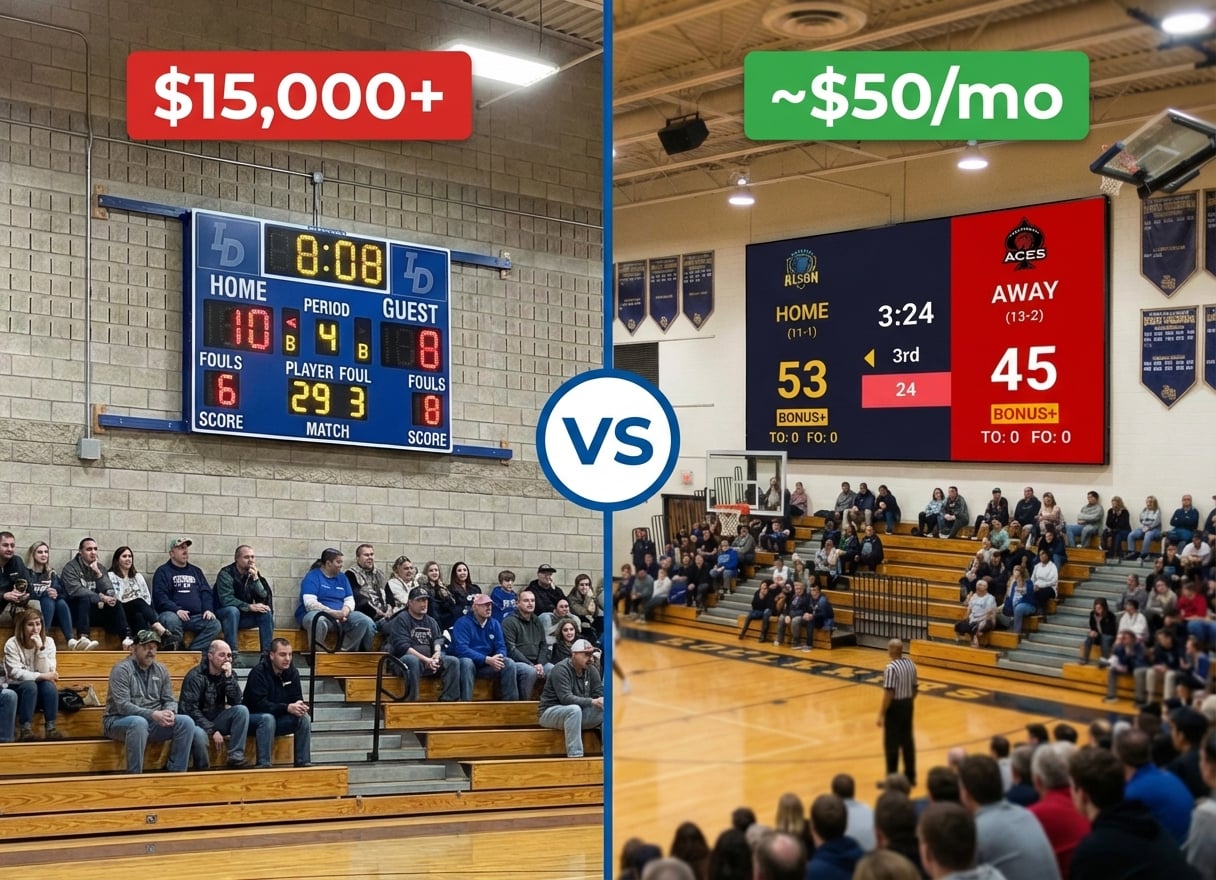
You searched for "scoreboard software," downloaded PC Scoreboards, and it looked promising. Then you hit the friction: Windows only. A USB dongle that has to stay plugged in during every game. A separate license for every sport. And the setup process needs admin rights that your school IT department won't hand over without a fight.
There are simpler options. Several scoreboard tools now run in a browser, work on any device, and cover every sport without per-sport licensing.
Where PC Scoreboards Falls Short
PC Scoreboards has been around for years and delivers functional scoreboard displays for Windows PCs. It supports basketball, football, volleyball, and other sports with traditional scoreboard layouts.
The reality
- Per-sport licensing: $139+ per month or $689+ lifetime per sport (non-profit pricing)
- Windows only — no Mac, no Chromebook, no phone control
- USB hardware dongle required (must stay plugged in to run the scoreboard)
- Installation needs admin rights and specific drivers
- Manual updates require downloads and reinstalls
- No built-in remote control from phone or tablet
When PC Scoreboards makes sense
If you run a single-sport Windows-only setup with a dedicated scorer's table PC, your internet is genuinely unreliable, and your IT department supports the installation, PC Scoreboards delivers a straightforward desktop experience with full offline capability.
Does Your Scoreboard Software Need to Be a Desktop App?
For most schools and leagues, no.
Modern scoreboard software runs in a browser. That means any device with a screen and a web browser — Windows, Mac, Chromebook, iPad — can display a scoreboard or control one. No dongles, no installation, no per-sport fees.
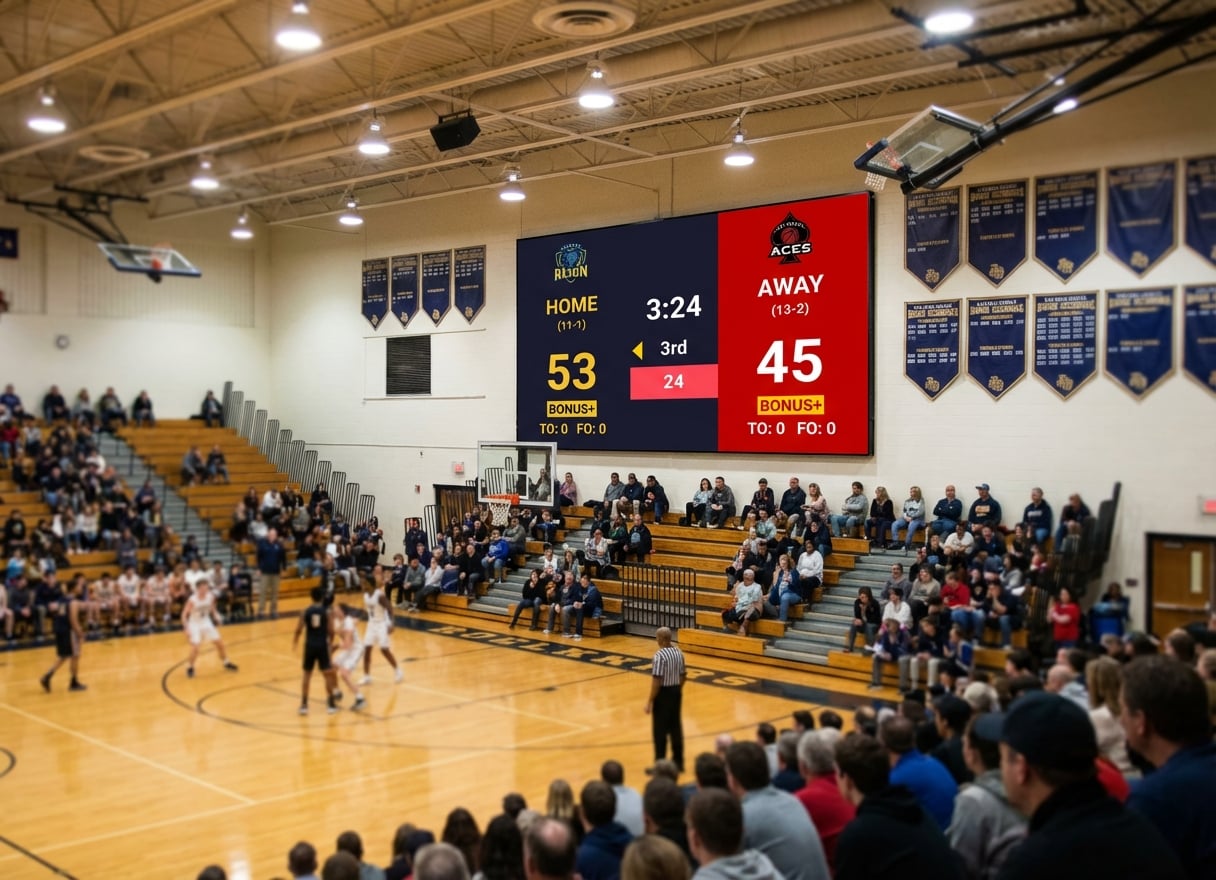
If you have a TV, projector, or LED wall with HDMI input, you need two things:
- A laptop or PC connected to the display
- Scoreboard software that runs in a browser
That's it.
Scoreboard Software Alternatives
OBS with Scoreboard Overlays (Free)
What it is: Open Broadcaster Software with custom scoreboard graphics layered as overlays.
Pros
- Completely free
- Full customization if you know design tools
- Great if you're already streaming games
Cons
- Steep learning curve
- Manual score updates (no dedicated control panel)
- Time-consuming initial setup
Best for: Schools with a dedicated AV student or tech-savvy volunteer who's already comfortable with OBS.
KeepTheScore (~$50/month)
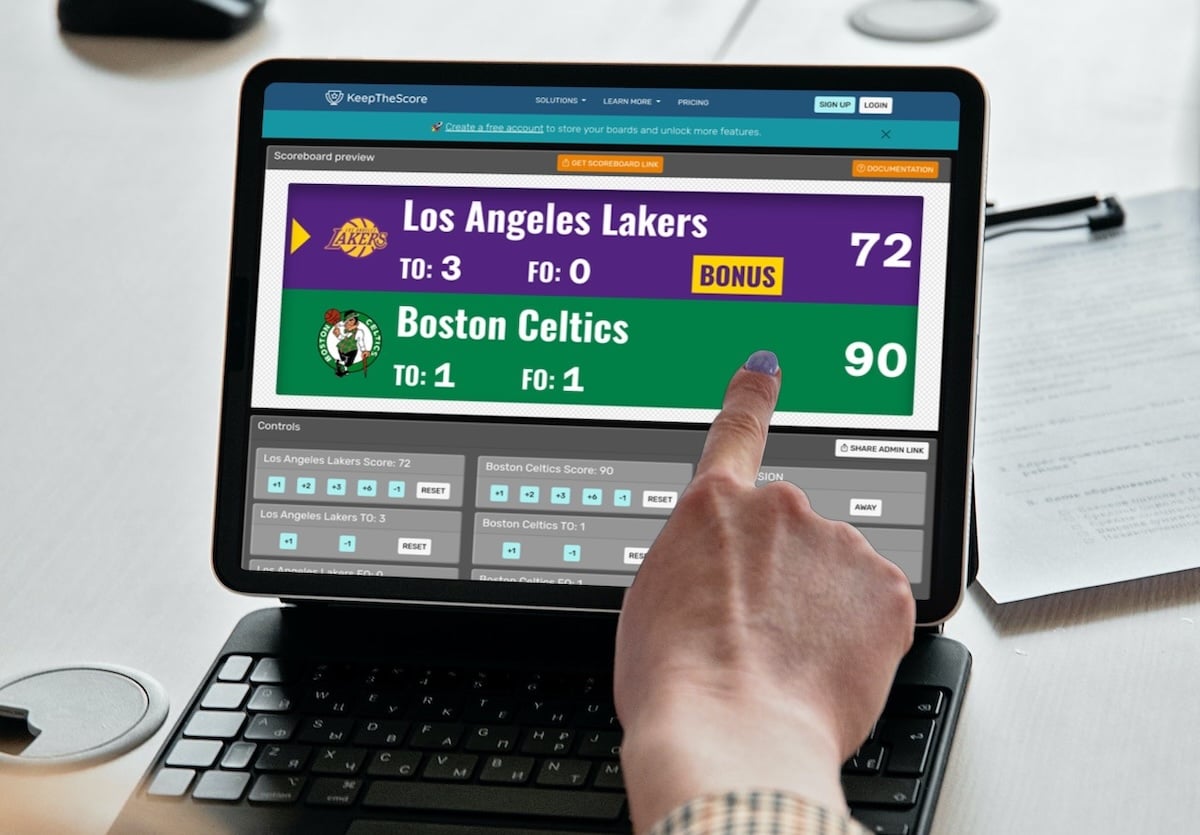
What it is: Web-based scoreboard software that runs in any browser. Control from your phone while the scoreboard displays fullscreen on your TV or LED wall.
How it works
- Open KeepTheScore.com in a browser on the display device
- Set the scoreboard to fullscreen
- Open the control panel on your phone, tablet, or another device
- Update scores with a tap — the display updates instantly
Sports supported
- Basketball (shot clock, game clock, periods, fouls)
- Volleyball (rally scoring, sets, timeouts)
- Football (quarters, downs, play clock)
- Baseball/Softball (innings, runs, hits, errors)
- Soccer (match timer, halftime)
- Hockey (period timer, penalties)
- Wrestling (match timer, period tracking)
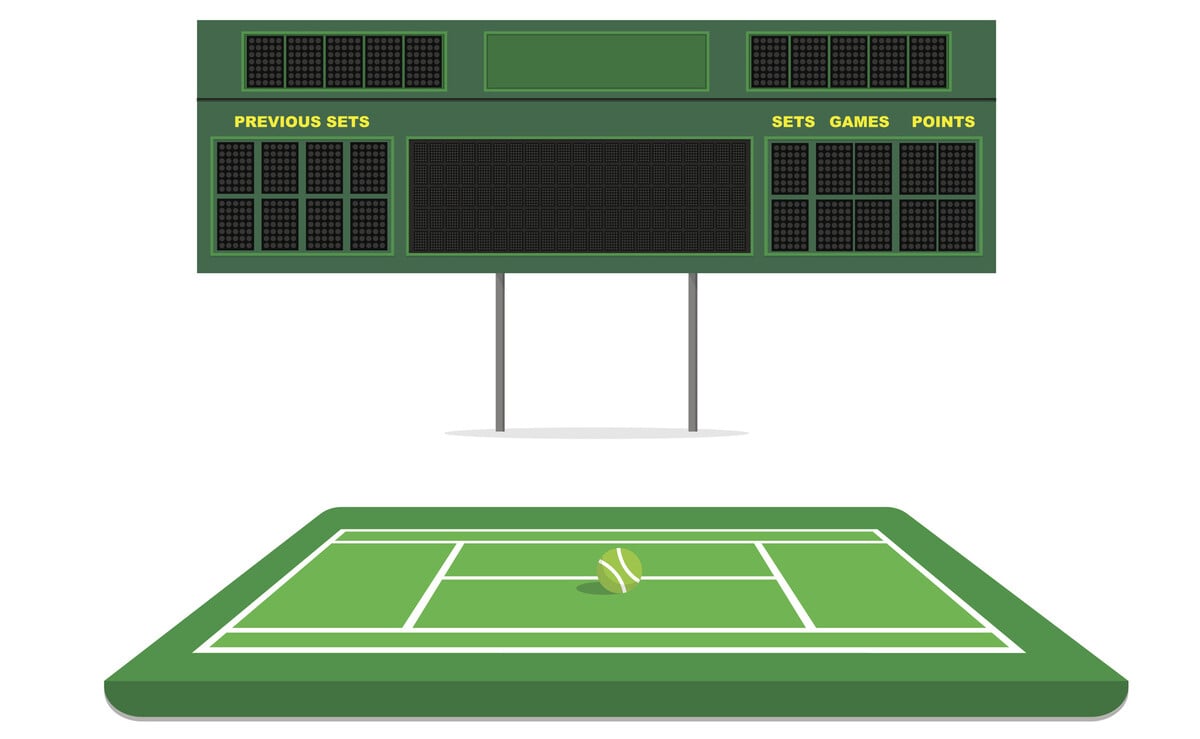
- Tennis, Badminton, Pickleball
- Multi-sport universal scoreboard
Pros
- Works on any device (Windows, Mac, iPad, Chromebook, phone)
- Control from phone while scoreboard displays on screen
- All sports included in one subscription
- No installation, no dongle, no drivers
- Works with any HDMI display
- Built-in streaming support (browser source in OBS/Streamlabs/vMix)
- Optional Elgato Stream Deck integration for physical buttons
Cons
- Requires internet connection for initial setup
- Free version includes small branding
Best for: Schools and leagues that need multi-sport coverage, multi-device control, and zero setup hassle.
ProScoreboard by Renewed Vision (~$500-$1,000)
What it is: Professional scoreboard software for Mac, designed for organizations already using ProPresenter.
Pros
- Professional graphics and animations
- Mac-compatible
- Integrates with ProPresenter workflows
Cons
- Mac only
- Higher upfront cost
- Requires ProPresenter knowledge
Best for: Schools already invested in the Renewed Vision ecosystem for worship or presentations.
ScoreVision (~$6,000-$12,000/year)
What it is: Cloud-based scoreboard platform with centralized control, sponsor rotation, and multi-venue management.
Pros
- Cloud-based control across multiple venues
- Built-in sponsor management and ad rotation
- Professional support and onboarding
Cons
- Annual subscription of $6,000-$12,000
- Requires compatible displays or adapters
- Overkill for single-venue setups
Best for: Large athletic programs managing multiple venues that need centralized control and sponsor revenue tools.
Comparison Table
| Solution | Price | Platform | Sports | Mobile Control | Setup Time |
|---|---|---|---|---|---|
| PC Scoreboards | $139+/sport (month) or $689+ (lifetime) | Windows only | Per-license | No | 30+ minutes |
| OBS + Overlays | Free | Any PC/Mac | Custom | No | Hours |
| KeepTheScore | ~$50/mo | Any browser | 15+ sports | Yes | Under a minute |
| ProScoreboard | $500-$1,000 | Mac only | Major sports | Limited | 30+ minutes |
| ScoreVision | $6k-$12k/year | Cloud | All major | Yes | Professional install |
Why KeepTheScore Works for Schools and Leagues
The Setup (3 Steps)
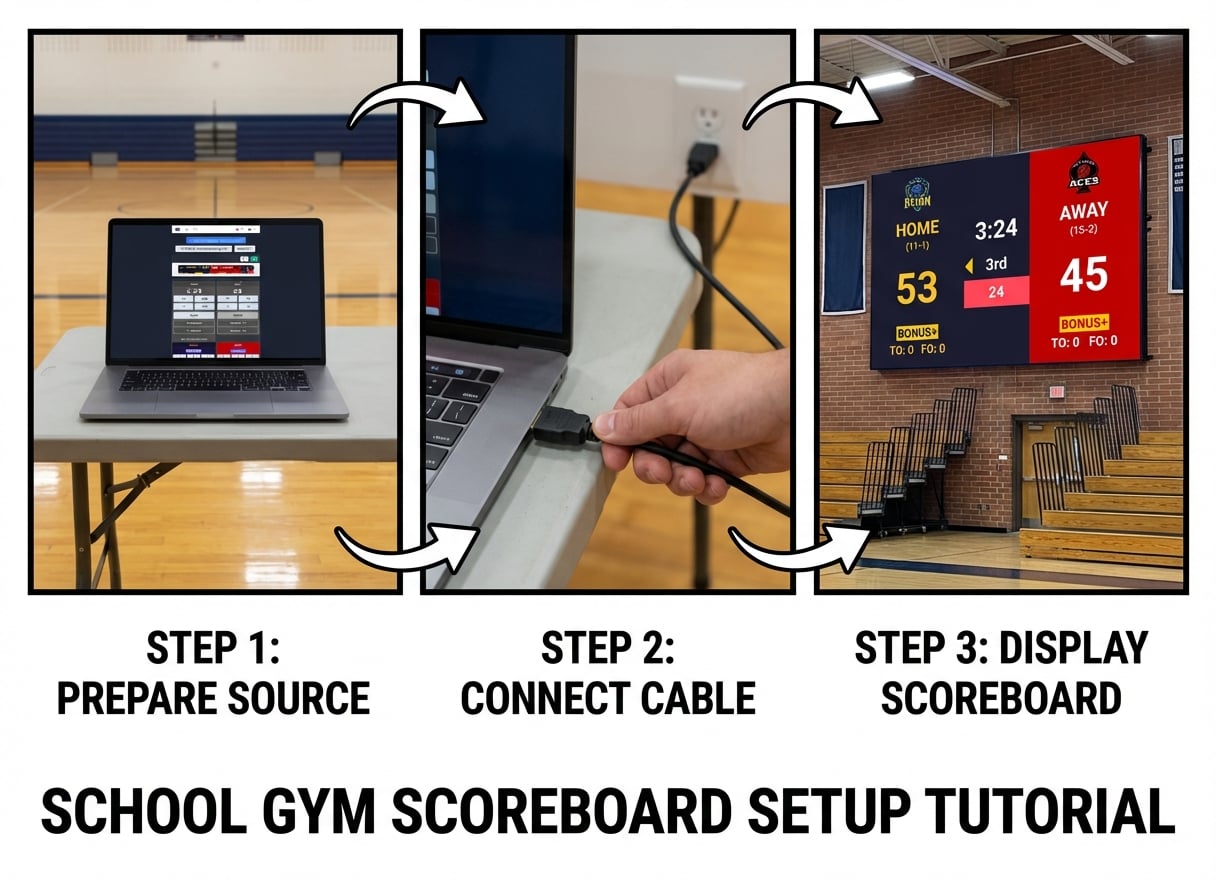
- Go to KeepTheScore.com — Pick your sport and create a scoreboard (no download required)
- Open on your display device — Laptop connected to a TV, projector, or LED wall via HDMI, then press F11 for fullscreen
- Control from your phone — Open the control panel URL and start scoring
Real Basketball Game Example
Before the game
- Create a basketball scoreboard on KeepTheScore (30 seconds)
- Set team names and optional logos
- Connect a laptop to the gym TV or LED wall via HDMI
- Open the scoreboard URL and press F11 for fullscreen
During the game
- Sit at the scorer's table with your phone
- Open the control panel URL
- Update scores, fouls, and timeouts with a tap
- The display updates instantly
- Game clock and shot clock run automatically
Multi-Device Control: The Real Advantage
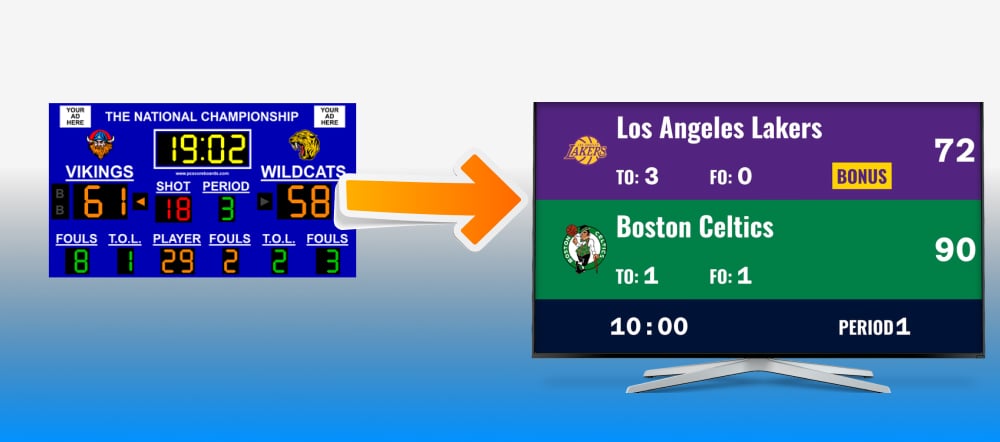
With PC Scoreboards, one person at one Windows PC runs everything. With KeepTheScore, anyone with the control URL can update scores from any device.
Why this matters
- Scorekeeper updates from the scorer's table (phone)
- Display shows the scoreboard fullscreen (laptop via HDMI)
- Announcer monitors from the press box (tablet)
- Coach checks from the sideline (phone)
- All connected, all real-time, no special hardware
Works with What You Already Have
You don't need to buy anything except the laptop (which you probably already have):
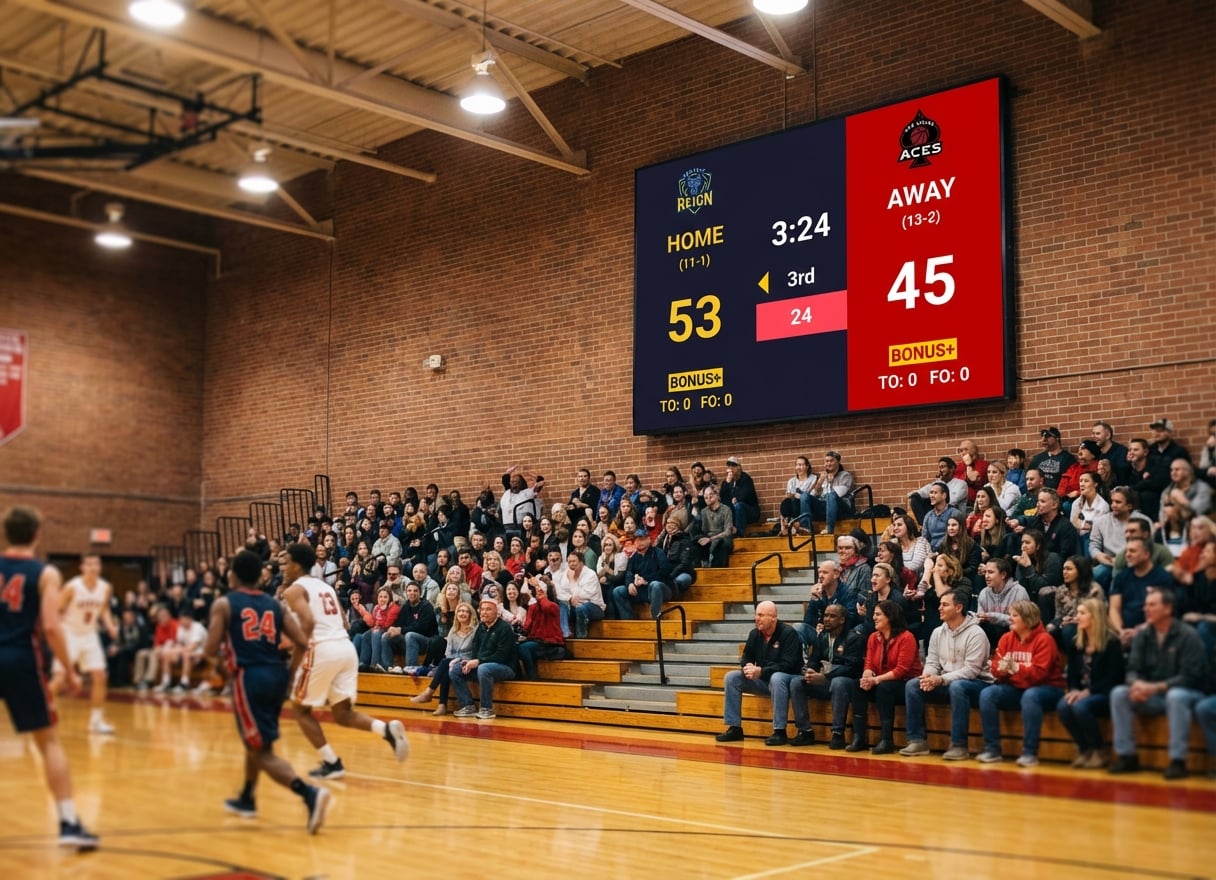
- LED walls — any brand, any resolution
- TVs — any size with HDMI
- Projectors — standard or short-throw
- Displays — 1080p, 4K, ultrawide
If it has HDMI input, KeepTheScore will display on it.
The Bottom Line
PC Scoreboards works if you're locked into a single-sport Windows-only setup and need full offline operation. But for schools and leagues juggling multiple sports, multiple devices, and volunteers who need to get up and running fast, web-based scoreboard software removes all the friction.
KeepTheScore covers every sport in one subscription, runs on any device, and lets anyone control the scoreboard from their phone. No dongles, no drivers, no per-sport licensing — all for around $50/month.
Try KeepTheScore Today
No installation. No dongle. No commitment.
Create your first scoreboard in 30 seconds and test it on any screen before your next game.
Common Questions
"Can I use KeepTheScore on a Mac or Chromebook?"
Yes. KeepTheScore runs in any browser on any operating system—Windows, Mac, Linux, ChromeOS, iOS, or Android. No installation required.
"What if my internet goes out during a game?"
Once the scoreboard page loads, it works offline for basic score updates. For best reliability, use a mobile hotspot as backup.
"Do I need to buy a separate license for each sport?"
No. KeepTheScore includes all sports—basketball, football, volleyball, baseball, soccer, and more—in a single subscription.
"Can multiple people control the scoreboard at the same time?"
Yes. Share the control panel URL with scorekeepers, coaches, or announcers. Each person can update scores from their own device simultaneously.
"Is it good enough for live streaming?"
Yes. KeepTheScore works as a browser source in OBS, Streamlabs, or vMix with transparent background support. Many schools use it for both in-venue display and live stream overlay. Full streaming guide here.
"How do I switch from PC Scoreboards?"
There's nothing to migrate. Create a new scoreboard on KeepTheScore, bookmark the URL, and you're ready. Most organizations test during practice games, then switch for regular games once scorekeepers are comfortable.