Any computer with a browser can work as a professional scoreboard. No special hardware, no installation, no IT department required.
What you actually need
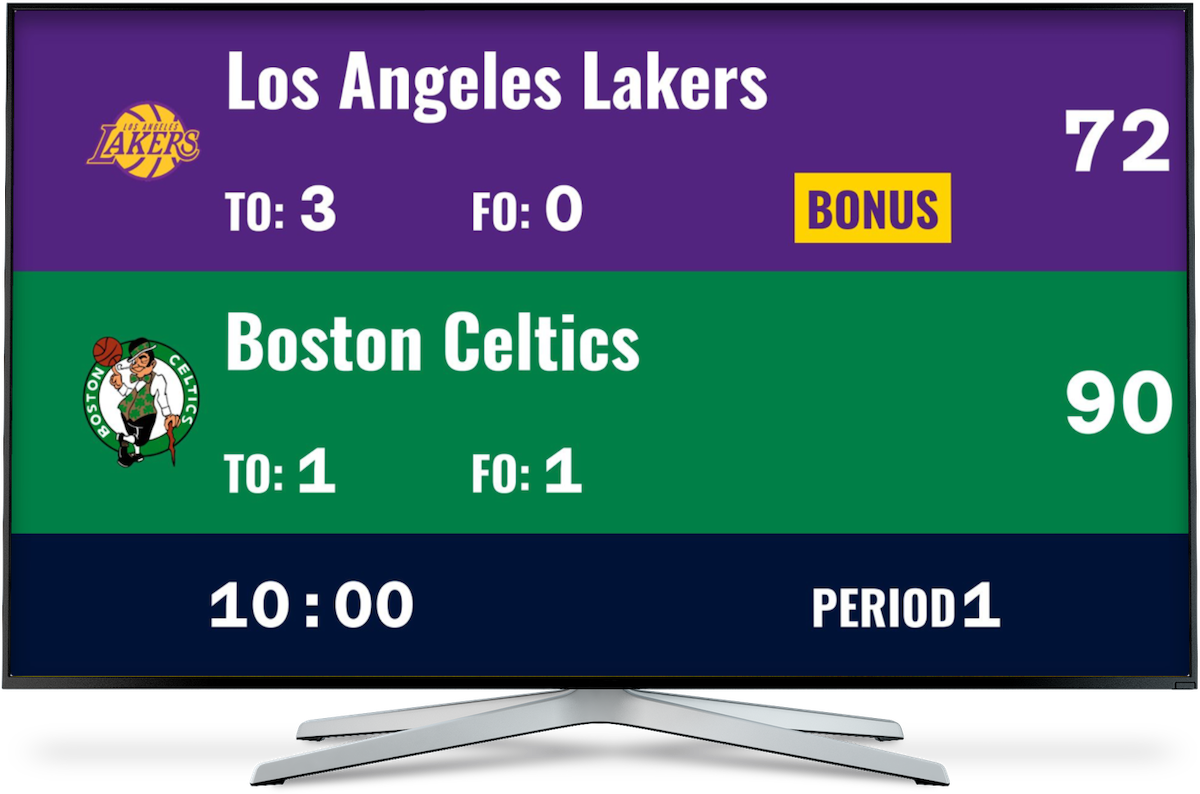
The hardware list is short: a computer running Windows, macOS, or Linux, a display (monitor, TV, or projector), and an internet connection.
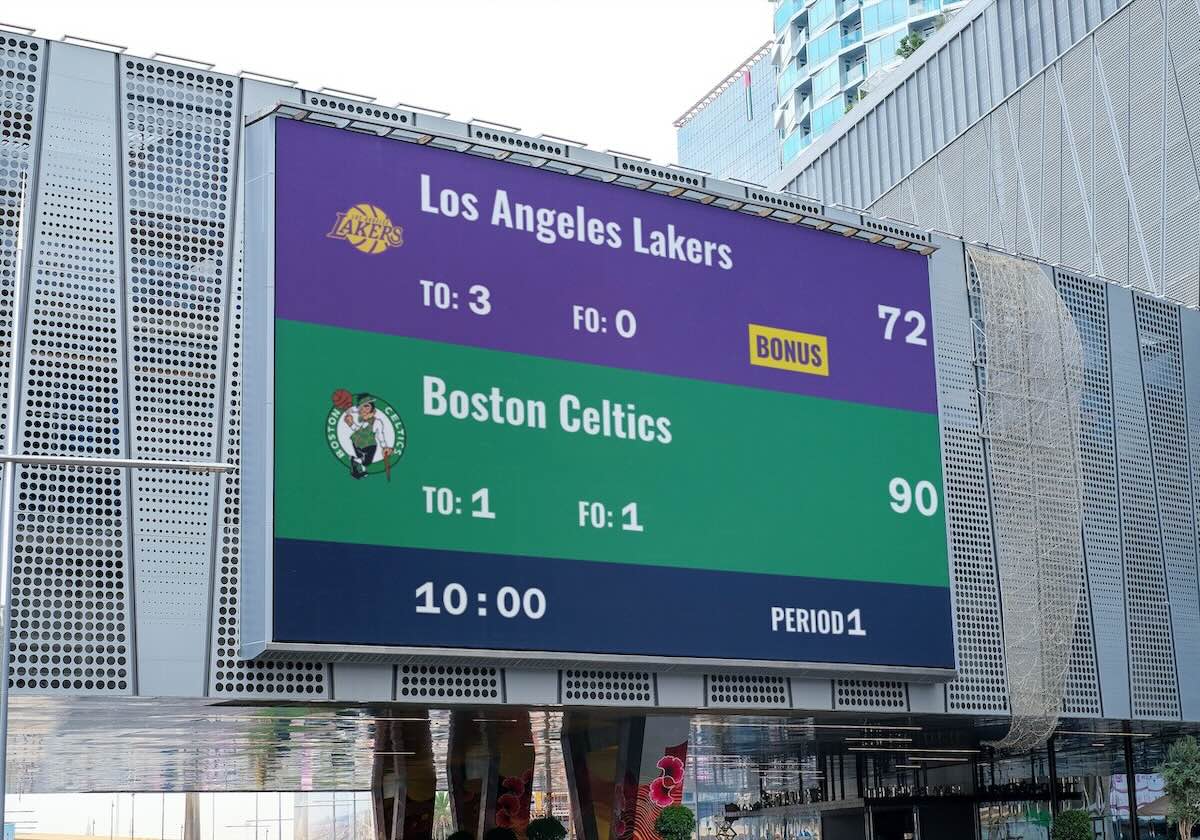
Display size matters for live venues. A 55" or larger screen works well for gyms and outdoor events. For streaming, a standard monitor is fine — your viewers see the scoreboard as an overlay in OBS, not on your desk.
Web-based vs. installed software
Traditional scoreboard software is usually Windows-only, needs manual updates, and doesn't share easily. Web-based scoreboards work across all platforms, update themselves, and let you send a live view link to anyone instantly.
The one real limitation: you need internet. In practice this rarely matters — scoreboards use minimal bandwidth and a mobile hotspot handles it fine.
If you're on traditional software and weighing your options, see our comparison of PC scoreboard alternatives.
From South Africa, with rugby
"Wow guys, what a great app, thank you for all your work to get it up and running, I'm using it to stream my son's rugby games in South Africa!" — Lance
Not a major league. Not a tech team. Just a parent streaming youth rugby from a laptop. That's the point — this doesn't require a dedicated setup.
Setting it up
Click above to create your scoreboard — no registration needed to get started.
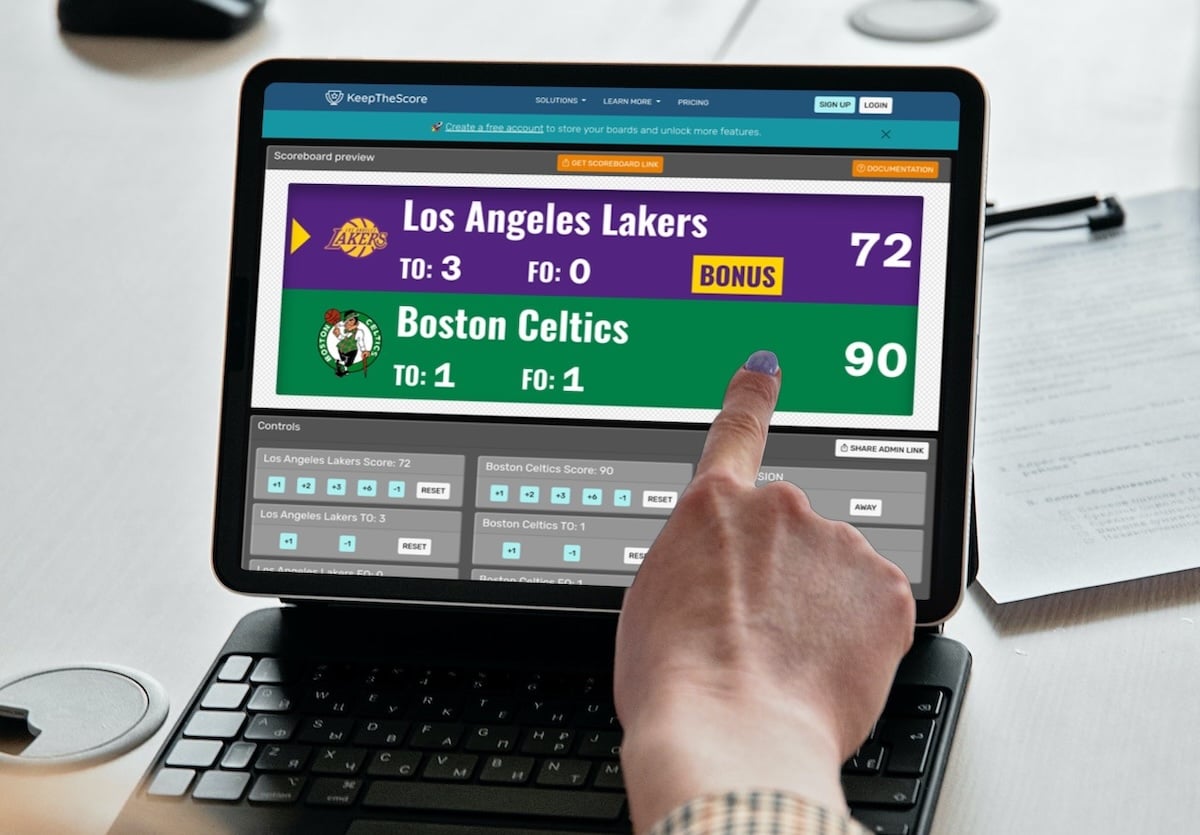
The admin panel lets you set team names, logos, colors, and sport-specific layouts. Once configured, open the display view and copy that URL. Load it on any display device — TV, projector, second monitor — and it's live. Update scores from your phone or any connected device. Changes appear instantly.
For TV-specific setup, see the TV scoreboard guide.
Controlling from anywhere
The display and admin views are separate URLs. Your TV shows the full-screen scoreboard; you control it from your phone on the other side of the gym. Multiple people can have admin access too, so handing off score duties mid-game is just sharing a link.
Adding it to a livestream
PC-based scoreboards integrate directly with OBS, Streamlabs, and any streaming software that supports browser sources. Add the scoreboard URL as a browser source, position it as an overlay, and it updates live as you change scores.
See the OBS integration guide for the full walkthrough, or the OBS basketball scoreboard guide for a sport-specific example.
Who uses this setup
Sports venues, school gyms, university rec centers, and local leagues use web-based scoreboards to avoid the cost of dedicated scoreboard hardware. It's also popular for streaming tournaments — the overlay updates in real time without requiring separate software.