What are lower thirds?
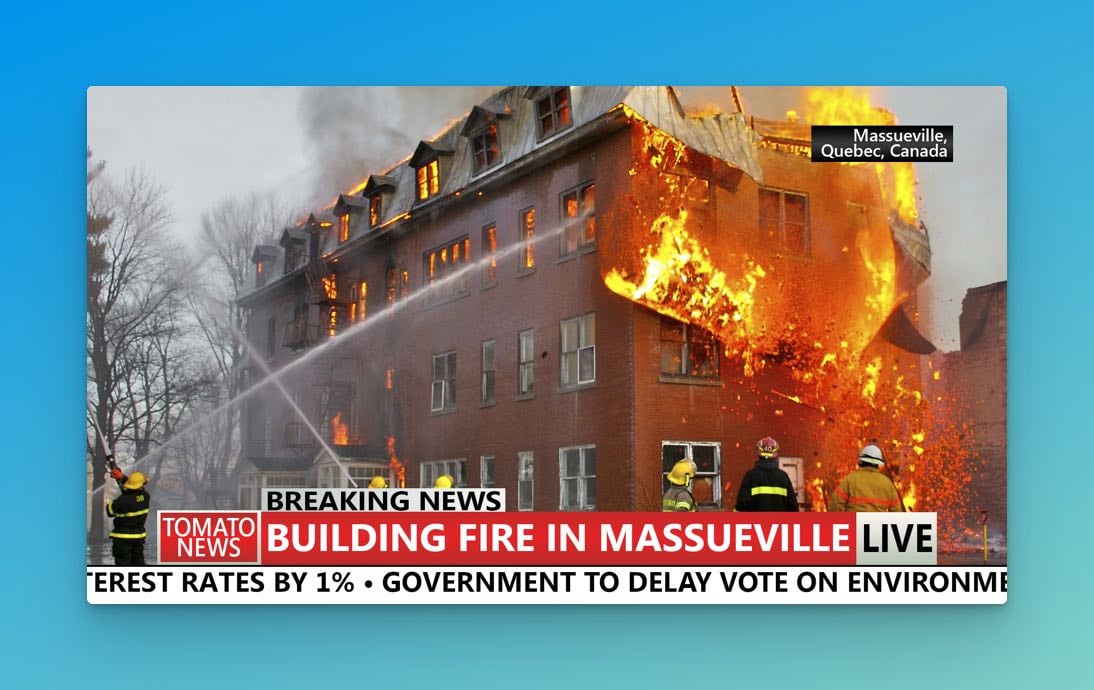
Lower thirds are text graphics that appear in the bottom portion of a video frame. They display supplementary information — a speaker's name, a location, a news ticker — without blocking the main content. The name comes from their position, not their exact size. They don't have to cover the whole bottom third of the screen; they just live somewhere in that zone.
Common uses include:
- Speaker names and titles
- Location information
- News tickers and headlines
- Time and date stamps
- Weather data and stock quotes
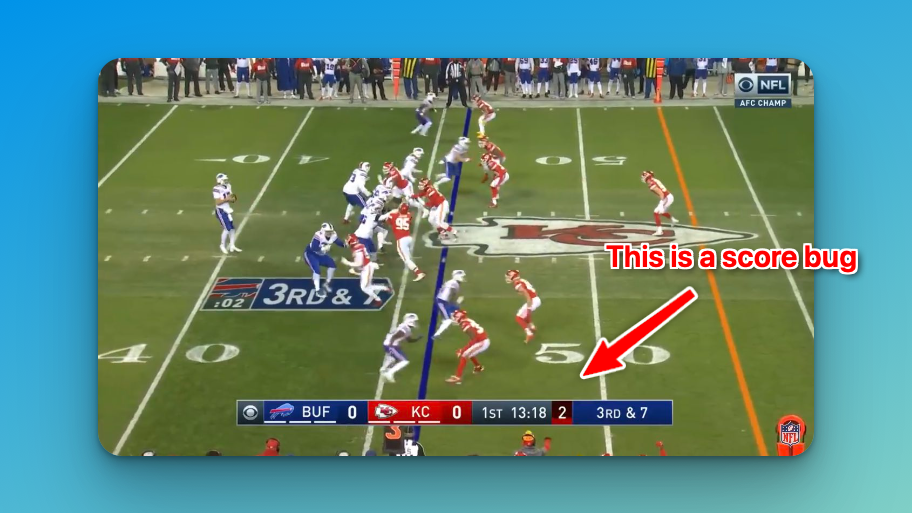
- Sports scores (similar to score bugs in sports broadcasting)
What the industry calls them
Broadcasters use several terms for the same thing, depending on where they work:
- CG — short for "character generator," the hardware that originally produced these graphics
- Chyrons — a US term that came from the Chyron Corporation's Chiron I character generator in the 1970s
- Superbars or Supers — another common US term
- Name straps or Astons — UK terminology, named after Aston Broadcast Systems
- Captions — a more general catch-all for on-screen text
Clean feed vs. program as broadcast
Two terms worth knowing if you're working with broadcasters:
- Program as broadcast (or "dirty") — the video with lower thirds and graphics included
- Clean feed (or "textless") — the same video without any graphics
International distributors need clean feeds to add their own localized text. Producers create textless elements on master recordings specifically for this purpose.
Designing lower thirds that work
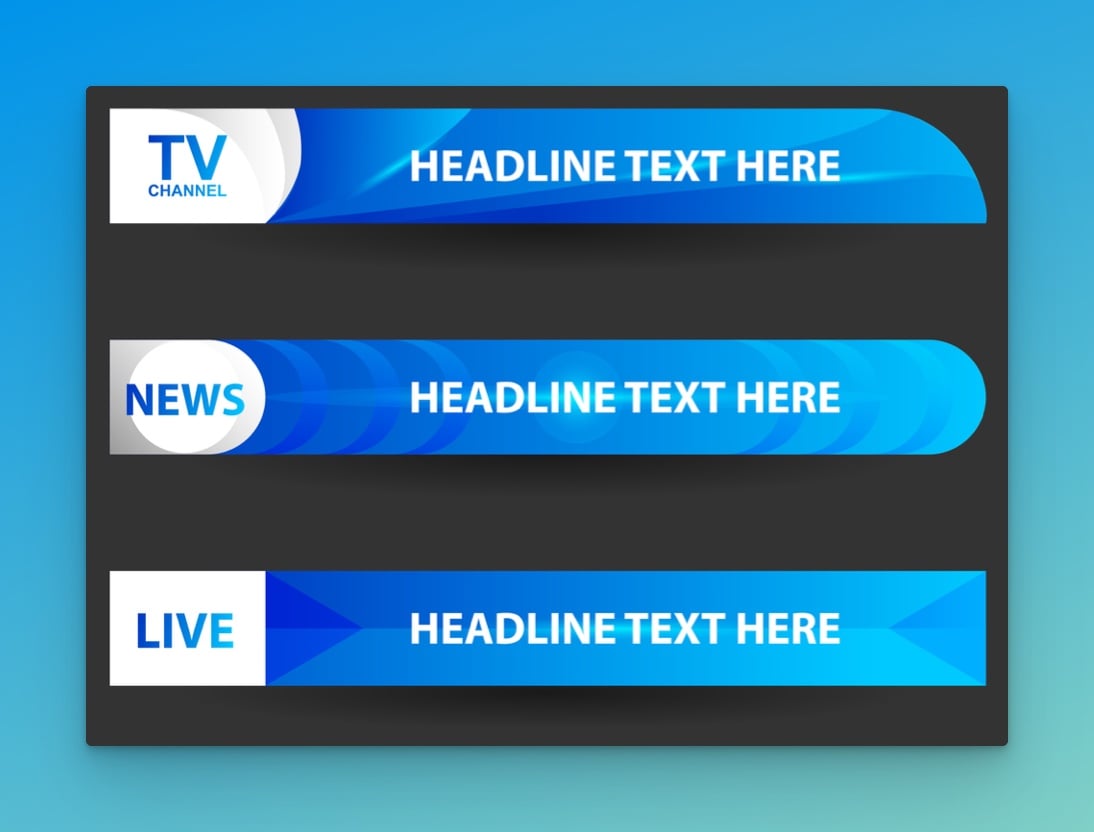
A lower third has to communicate quickly. The viewer glances at it for two seconds, absorbs the information, and returns to the main content. That constraint drives everything about how they're designed.
Keep the design simple — one clear message per graphic, strong text-to-background contrast, and a legible font. Decorative fonts look interesting until someone actually has to read them at speed.
Color matters, but not just for aesthetics. Test your lower third against several different video backgrounds: a talking head, an outdoor scene, a dark studio. If it disappears into the footage, it's not doing its job.
Display duration: 5–7 seconds works for most standard lower thirds. Longer text needs more time; short name tags can come and go faster.
Software for creating lower thirds
If you're starting out, templates are the fastest path to professional-looking results. You can get them from:
- Adobe Premiere Pro — built-in lower third templates, fully customizable
- Final Cut Pro — Apple's equivalent, same idea
- Canva — web-based, easy to use, free tier available
- Stock template sites — pre-built designs you can modify to match your branding
Once you're comfortable with templates, it's worth learning the animation tools in whichever editor you use. The standard approach for news is a simple fade in/fade out. Corporate work tends to use subtle slides or scaling. More creative content can go further — but match the animation style to the tone of the production. A hyperactive motion graphic in a corporate interview looks unprofessional; a flat fade in an esports broadcast looks boring.